


Computers, Copies, Faxing, Tech Help & More!
Computer Workstations
The library has 9 computer workstations with Internet access and Microsoft Office that patrons and guests are welcome to use. Users must follow our Internet Use Policy and please note that the computers shut down 15 minutes before the library closes.
- Computer access comes in 30 minute increments with a limit of 3 hours per day for library card holders, depending on demand. One hour per day limit for guest users.
- Computers offer internet access and Microsoft Office including Word, Excel, and Power Point
- Patrons may bring in their own USB Flash drives and headphones
- Dedicated computers are also available for use in searching for library materials
Wi-Fi
You are also welcome to bring in your own device and connect to our high speed wi-fi. The library has a variety of work tables where you can plug in your device, including USB outlets.
Printing -- At the Library & Mobile (New in 2025 -- faster and able to accept Credit Cards!)
We offer black & white laser printing and color laser printing.
Black and White: $0.15 / pg
Color: $0.50 / pg
Payment Options: Cash (coins/bills), Credit (Visa, Mastercard — swipe/tap/chip), Apple Pay, Google Pay, Android Pay
Print from our Computers or Mobile Printing
You can use the library’s public computers or your own personal computer or mobile device to print to the library’s printers from anywhere. Simply submit documents for printing and come to the library to release and pick up your documents.
How to print from a laptop or desktop computer at home or work:
- Begin by visiting GLADL Wireless Printing
- Browse your computer/device to find and Select the file(s) you wish to print.
- Review printing options and estimated job cost
- Enter your guest name or library card to identify your print job at the release station at the Library
- Enter your email address for confirmations or Enter your mobile number for text message confirmation
- Click Submit
At the Library — go the Print Release Station
- Enter your guest name or library card you supplied
- Select your print job(s).
- Pay by cash or credit
Your print job will be printed!
Wireless Printing — How to use email to send something directly to the library’s print system:
- Email from any device directly to the library’s print system
- All email print jobs are single sided
- For a Color copy — send your email to: color-gladl@
eprintitsaas.com - For a Black and White (grayscale) copy — send your email to: bw-gladl@
eprintitsaas.com - You will get an confirmation email back from the print system with your Release Code
At the Library — go the Print Release Station
- Enter the Release Code you recieved in your confirmation email and select your print job.
- Your print jobs will appear as follows:
- Email without any attachment – 1 job
- Email with attachments – 1 job for the email + 1 job for each attachment
- Select your print job(s).
- Pay by cash or credit
Easy access on your mobile device — try the ePrintit app!

Faxing & Photocopies (now Color too!)
Faxing is available for .50 a page. Our copier makes black and white copies for .15 a page and color copies for .50 a page. Staff will be happy to help you.
Digi-Lab -- Preserve Your Memories
Our New Digi-Lab is available to help you preserve your memories. Contact gladlDigiLab@gmail.com to schedule an appointment.
| Using our Portta capture box you can convert old VHS tapes and DVDs to save your favorite memories and movies. | 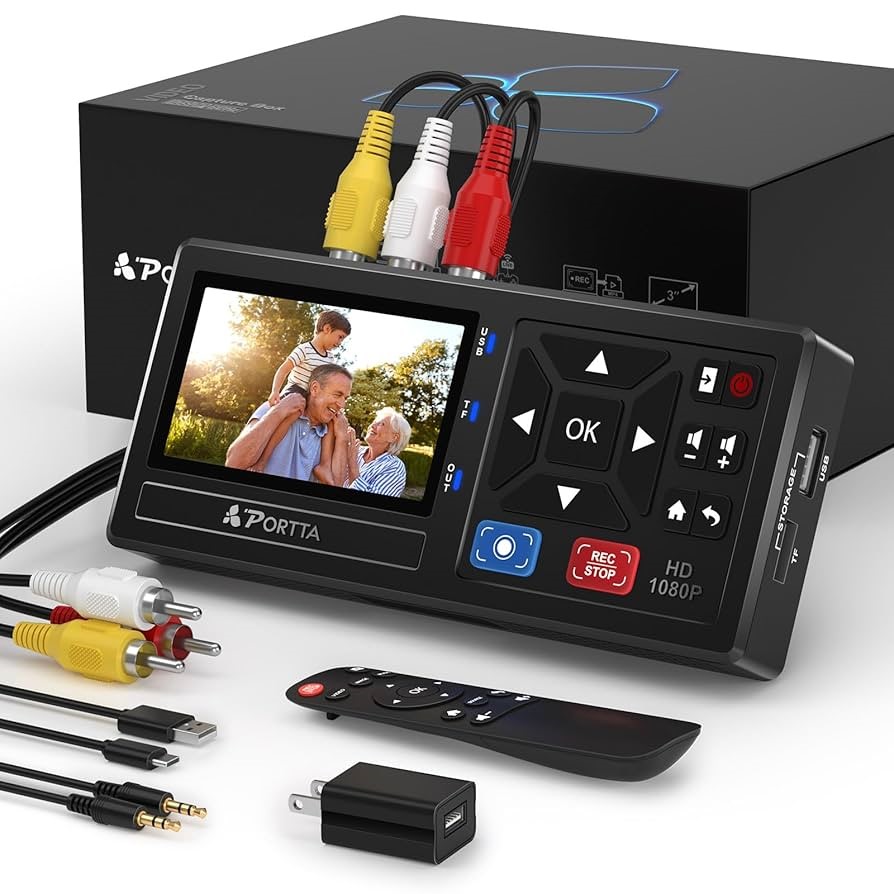 |
| Using our Portta capture box you can convert old VHS tapes and DVDs to save your favorite memories and movies. | 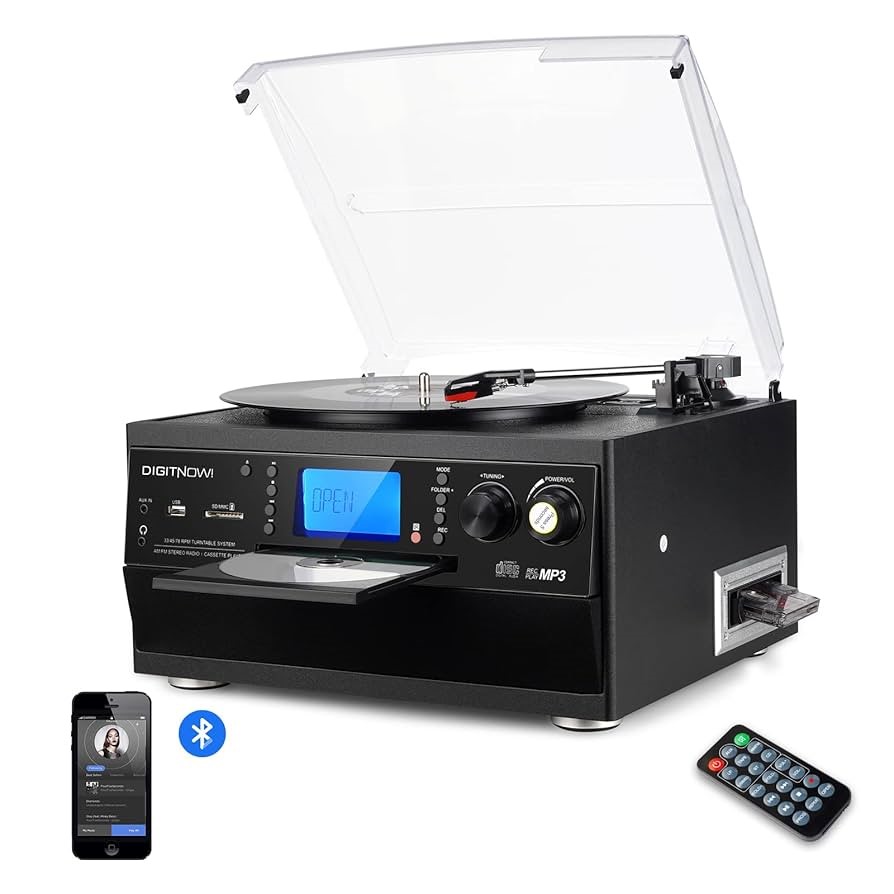 |
| You can use our Epson scanner to digitize photos, as well as slides and negatives to digital photographs. You can restore faded pictures or discoloration. Bring your creased and damaged photographs to be scanned and then digitally restored by staff, maintaining your original copy. | 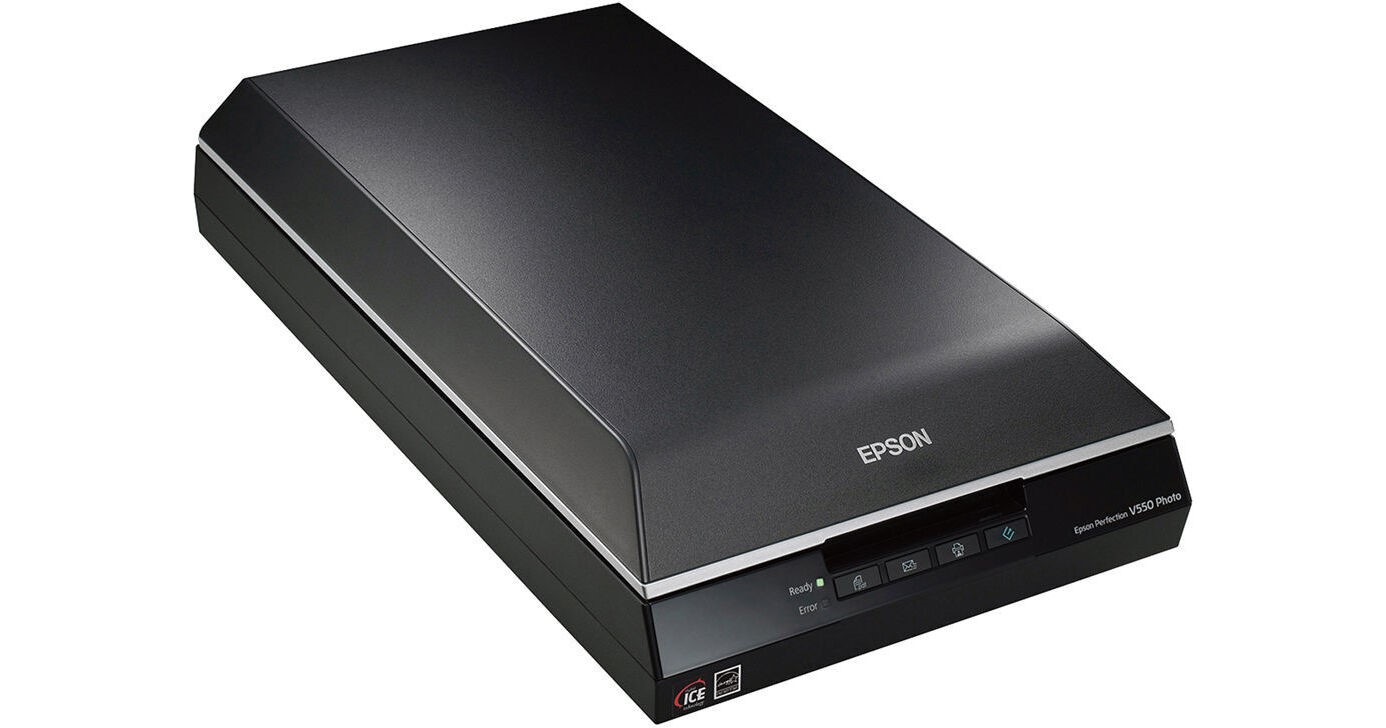 |
| Schedule an opportunity to use the H5studio recorder to save your oral history for your personal archive. Memories of the past or to save the here and now. Stories or songs you loved, interviews to keep the knowledge we pass down, or take the chance to share your hometown memories with our community archive. | 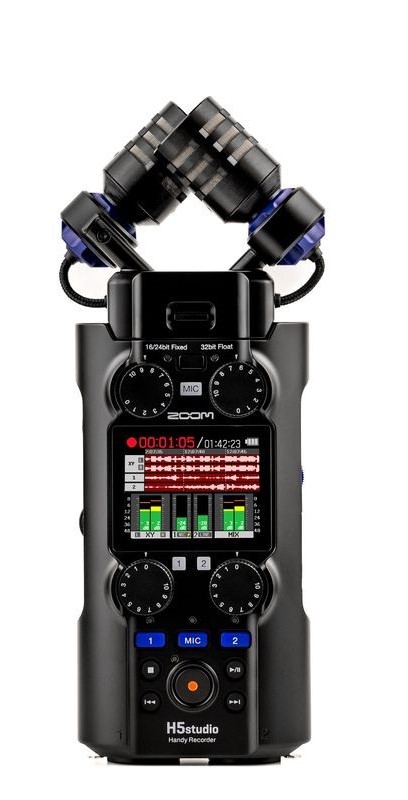 |
- How does Digi-Lab work? You schedule a time to learn how to use the equipment and digitize, from there you can schedule more appointments at your convenience or with staff.
- How long does digitizing videos take? As long as the video runtime, if the video is one hour the conversion will take the same time.
- What video formats do you convert? Currently; VHS and DVDs. Coming we hope eventually; film reels, 8mm, and miniDV tapes.
- Can I scan scrapbooks as well as photo albums? Yes, our flatbed scanner is large enough to scan most scrapbooks and photo albums.
- What photo format can I digitize? Damaged photographs, photographs, slides, and film.
- Is there a photo printer available? GLADL does not have a photo printer, but staff can direct you where you can print photos in person or online.
- How much does it cost? Digi-Lab is free to use, unless you choose to do any printing; costs are $0.15 for black and white, $0.50 for color.
- What do I bring? Materials to digitize, USB drive, and headphones if converting audio recordings like vinyl records, cassette tapes, or CDs (the library has headphones to check out if you do not have your own).
- How long are appointments? Depending on the amount of items to digitize, 1-4 hours
Scanning
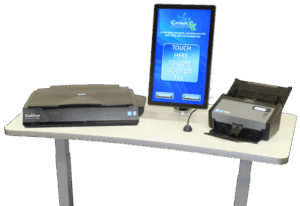
Utilizing our ScanEZ patrons can scan to email, USB, print, OneDrive, or DropBox.
Scan easily — documents, photos, and IDs
Also available document translation into over 70 languages and Handwriting Recognition — scan your notes into documents!
Chromebooks
GLADL cardholders that are 18 years or older with an account in good standing may borrow a Chromebook for 14 days. We have 3 Google Chromebooks available. For more information on our Chromebooks click here.
Computer Access Bundles (CABs)
Available for 14-day checkout for patrons 18 years and older – with a GLADL Library Card!
CABs help patrons that need computer access beyond the hours of the Library and do not have bandwidth at home or for patrons that have home computers but do not have laptops for times they need a mobile computer for presentations, attending a study group, working with local organizations, or making home visits.
Each bundle includes:
- HP ProBook 430 Laptop (Windows 10 with Microsoft Office 2010)
- Hotspot for Internet Access
Wi-Fi Hotspots
We have Wi-Fi hotspots available to check out to any patron with a library card, and an account in good standing. They have a 14-day checkout period.
Lamination
Grand Ledge Area District Library offers laminating services to the public for a small fee. The library staff will laminate items up to 11 inches wide and not more than 3.5mm thick. Patrons must fill out an agreement for service form and sign a waiver of responsibility.
The laminator will be operated by staff only. The laminator will generally be available 10am – 4pm Monday – Friday, and on select evenings. Lamination will take approximately 20 minutes to complete.
List of items that CANNOT be laminated:
• Social security cards, State IDs, or Drivers Licenses.
• Medicare Card.
• Anything issued by the Government.
• Anything with a security feature.
• Diplomas or Degrees.
• Medical documents like EKG/x-ray/ultrasounds/etc.
• Currency.
• Any Certificates (i.e. Birth, Death, Divorce)
• Property or Business Ownership
• Vaccination cards.
• Anything printed on thermal paper.
• Pornographic or adult-natured items.
| Size | Price |
| Business Card 2.5″ x 3.75″ | $1.00 |
| Index Card 3″ x 5″ | $1.00 |
| Photo 4″ x 6″ | $1.00 |
| Photo 5″ x 7″ | $2.00 |
| Letter 8.5″ x 11″ | $2.00 |
Tech Help
Staff can assist you in getting started on the computer and finding what you need on the Internet. To request a Tech Help appointment, please call the library at 517-627-7014.
Try out these free resources to learn more as you go:
GCFLearnFree Brought to you by the Goodwill Community Foundation. Free tutorials on a wide range of technology related subjects and more. GCFLearnFree.org offers 125 tutorials, including more than 1,100 lessons, all completely free.
Techboomers Techboomers.com is a free educational website that teaches older adults and other inexperienced Internet users with basic computer skills about websites that can help improve their quality of life.
Typing Web Self-paced typing exercises that allow you to develop your skills at your pace. Create a log in account to track your progress.
Tax Forms & Information
Every January to April the library provides tax forms and booklets.
Access to Tax form links and more information about VITA Scan n’ Go — tax preparation assistance